Skip to main content
Whysor - Vault
View All
Search
Shelves
Books
Log in
Info
Content
Books
Managing Calculated va...
Updating Static Well info
Updating Static Well info
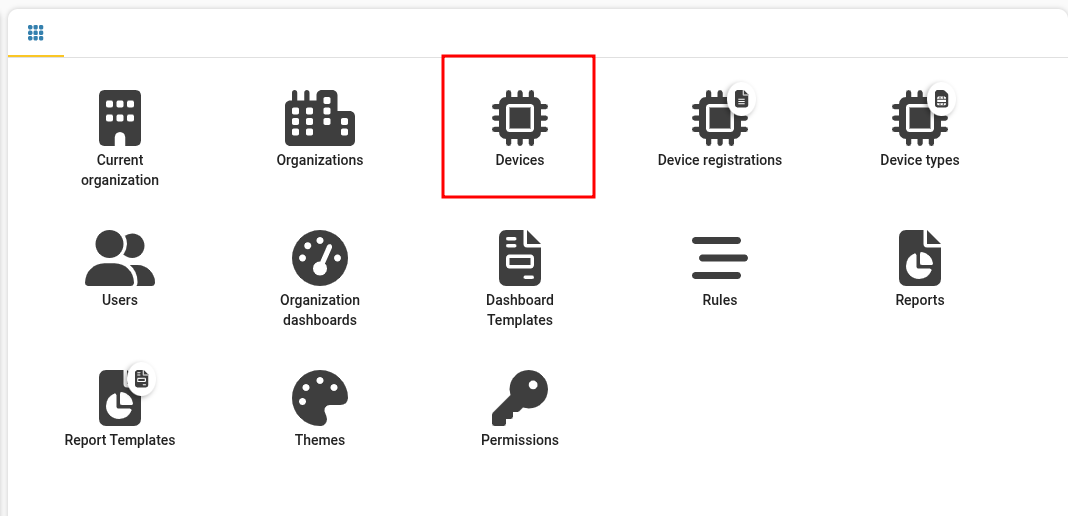
Step 1
Go to management at
dashboard.watermappers.com/#/management
and select "Devices"
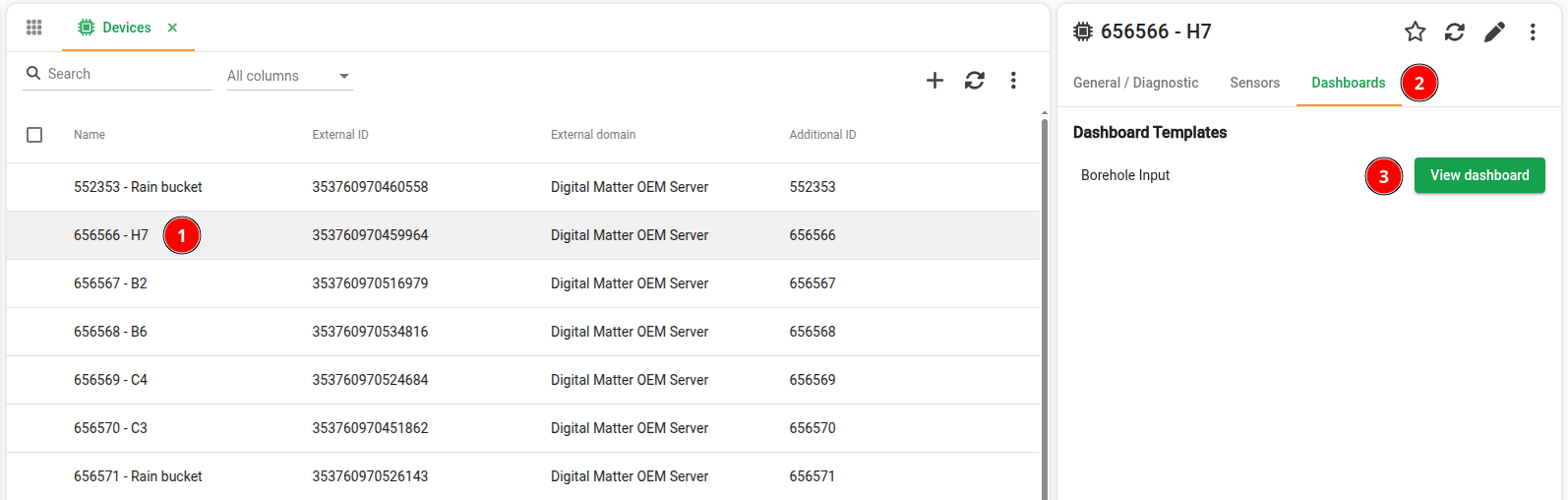
Step 2
Select a device, click "Dashboards" and click "View dashboard"
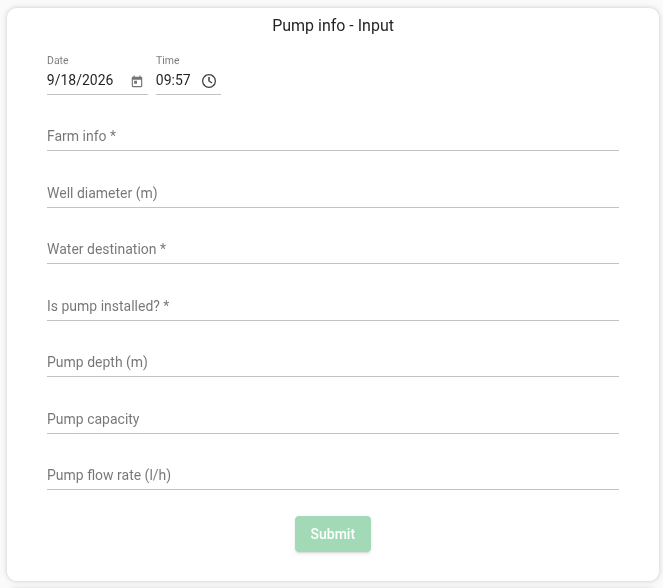
Step 3
You can use the input widgets to update pump info or register flow rate.
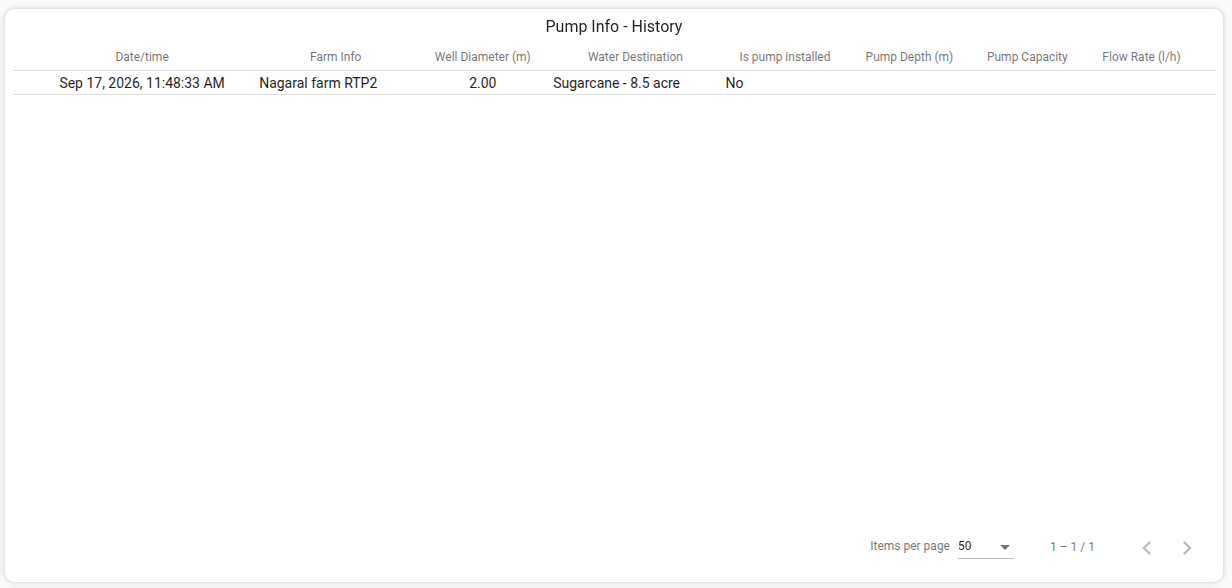
Step 4
Now the data can be viewed through the history table.
Enter section select mode
Previous
Setting up calculated values parameters
Next
Updating Hand measure
Back to top